If your 2007–2013 Chevy Silverado 1500 (GMT900) has no dashboard power, will not crank or refuses to start after an aftermarket push button start installation, a symptom-first diagnosis is more useful than guessing at a single wire or blaming the module. Below is a practical guide to Silverado ACC vs ignition power, battery and ground checks, brake inputs, and GM PASS-Key III+ security.
1. Identify the Silverado No-Power Symptom
Start by distinguishing a truck-wide electrical failure from a problem limited to the aftermarket push-start controller. These are not equivalent.
| What you observe | Potential area | First check |
|---|---|---|
| Entire truck has no electrical power | Battery, battery connections, primary fuses / power distribution | Verify vehicle battery and OEM power distribution before testing the EFHIPS module |
| Truck electrics work, push-start button is dead | Module supply, fuse, ground, harness | Verify voltage and ground at the designated module connections |
| Button lights up but dash does not respond | ACC/IGN outputs, wiring or interface | Compare circuit states against vehicle and product documentation |
| Dash lights up, engine does not crank | Brake input, starter command, park/neutral interlocks, security | Confirm inputs and read relevant diagnostic codes |
| Engine cranks but will not run | Required ignition feeds, immobilizer authorization, engine systems | Check security indicator, fault codes and ignition behavior |
| Push start works, remote start fails | Remote-start settings, safety circuits, factory-security interface | Review configured start conditions and interface documentation |
2. GMT900 Ignition Wiring: ACC vs IGN vs START
One recurring installation mistake is treating a radio accessory circuit as interchangeable with an ignition circuit. ACC may be interrupted during starter operation, whereas an engine-critical IGN circuit has a different intended role. START is another distinct control function. Exact behavior and circuit count depend on the truck, year and configuration.
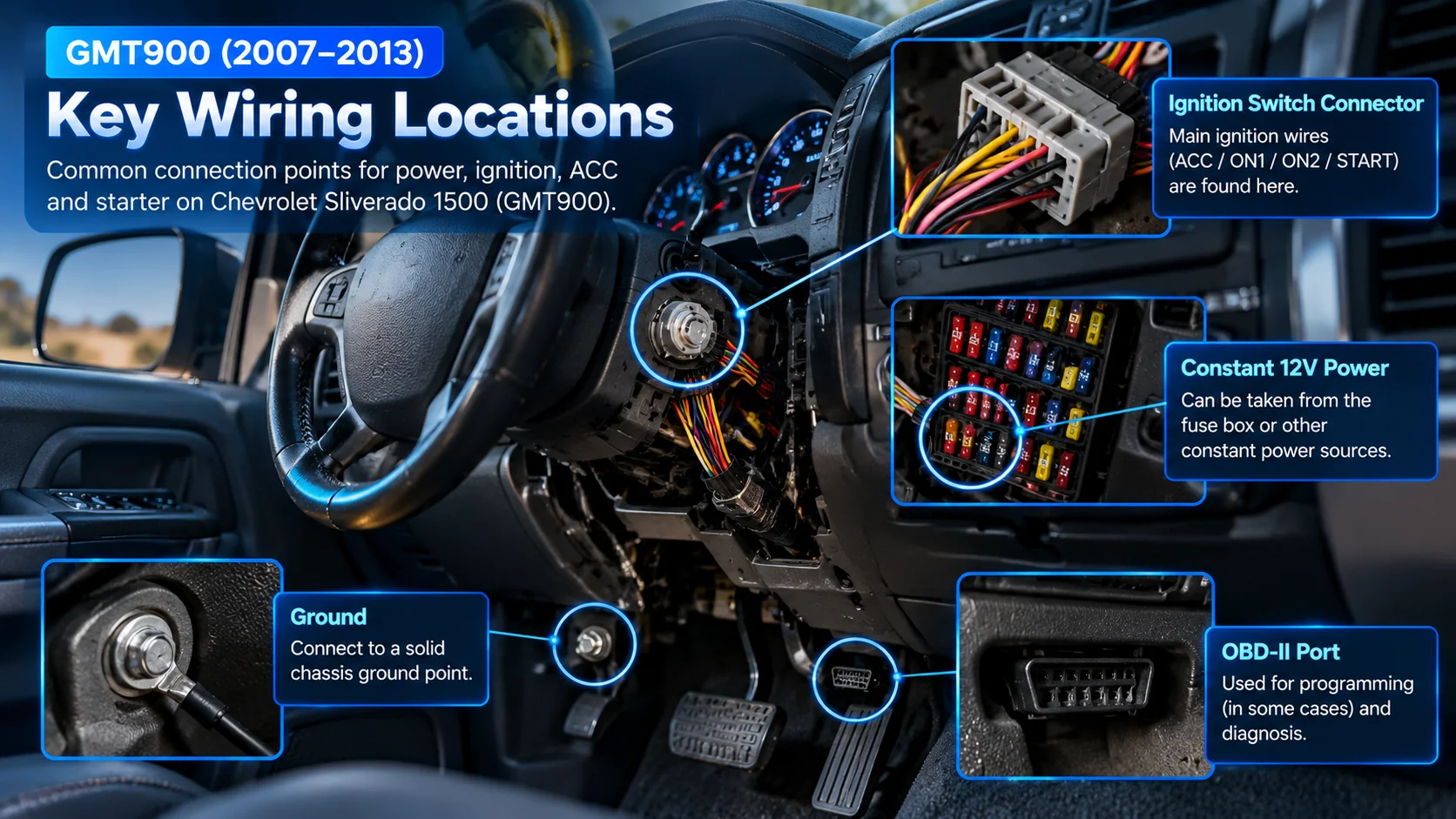
For an aftermarket push-start system, the installer must identify the appropriate protected power source, grounds and ignition/start signals using a verified service diagram and voltage measurements. Do not rely on a universal wire-color chart, a drawing of a connector or an assumed pin location.
3. Check Battery Power, Ground and Connections
- Establish the baseline: Confirm the factory electrical system and a healthy vehicle battery before troubleshooting the aftermarket controller.
- Inspect protection: Check the relevant fused supply, any blown fuses, visible harness damage and the connector condition.
- Test under the failing condition: A weak connection can appear functional with little load and fail when voltage is drawn.
- Separate ACC from IGN: Observe each required circuit in OFF, ACC, RUN and crank states according to the correct diagrams.
- Retain factory safety features: Do not bypass park/neutral, brake, hood, steering or other safety protections to force the engine to crank.
4. Factory Security: PASS-Key III+ vs Passlock
Important terminology correction: GM's 2008 Silverado 1500 owner's manual identifies a PASS-Key III+ electronic immobilizer, which recognizes a radio-frequency transponder inside the ignition key. The 2013 Silverado owner's manual also covers PASS-Key III+. This is different from the legacy Passlock system described for certain older GM trucks, including the 2007 Silverado Classic. Do not transfer an older Passlock wiring approach to a GMT900 truck.
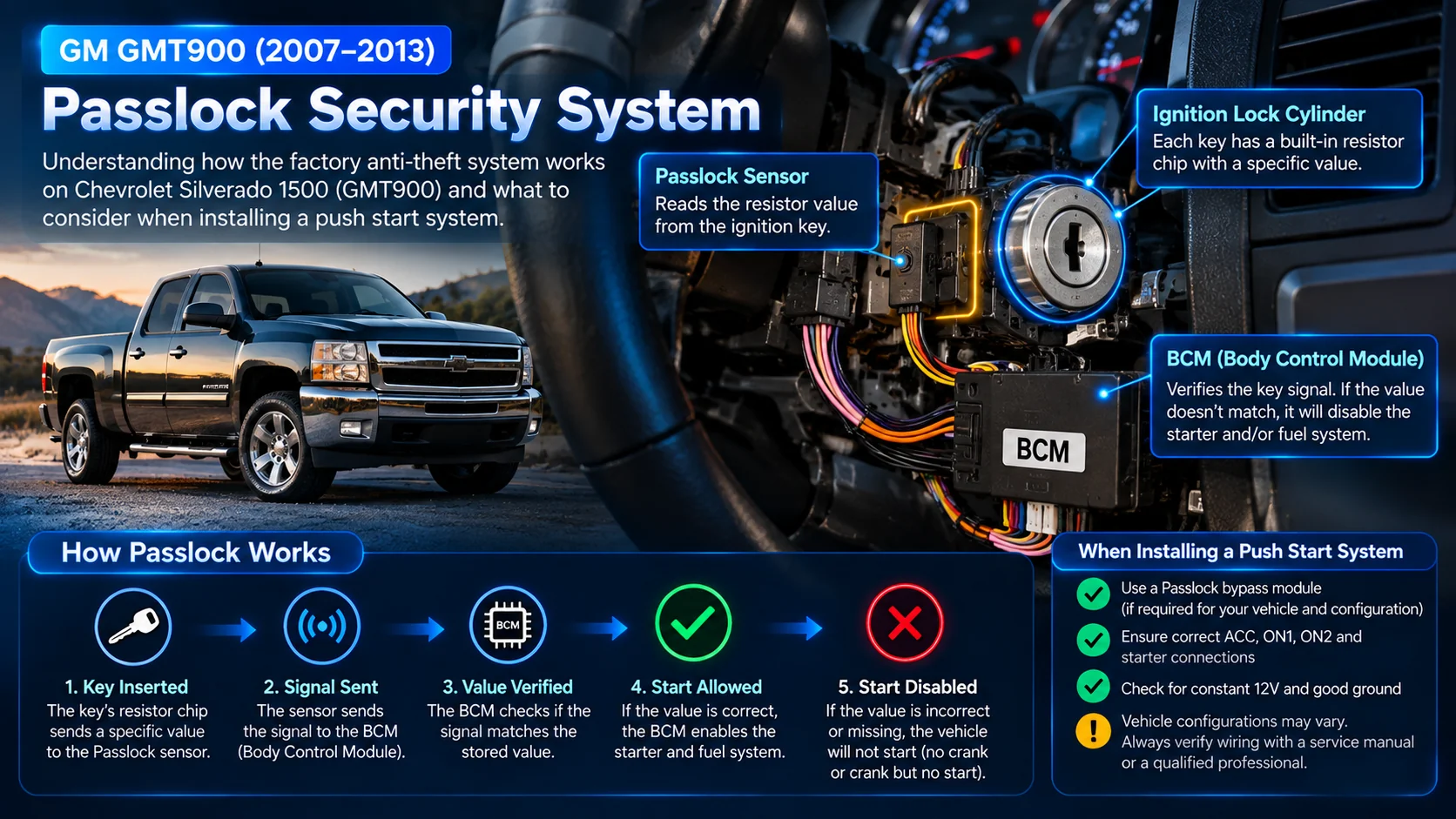
If a remote-start conversion requires a third-party immobilizer/data interface, verify that it explicitly supports the exact vehicle and configuration. Follow its approved programming and activation instructions. Preserving the factory theft-deterrent system is essential.
5. How EFHIPS 9007 Fits into a Silverado Push-Start Project
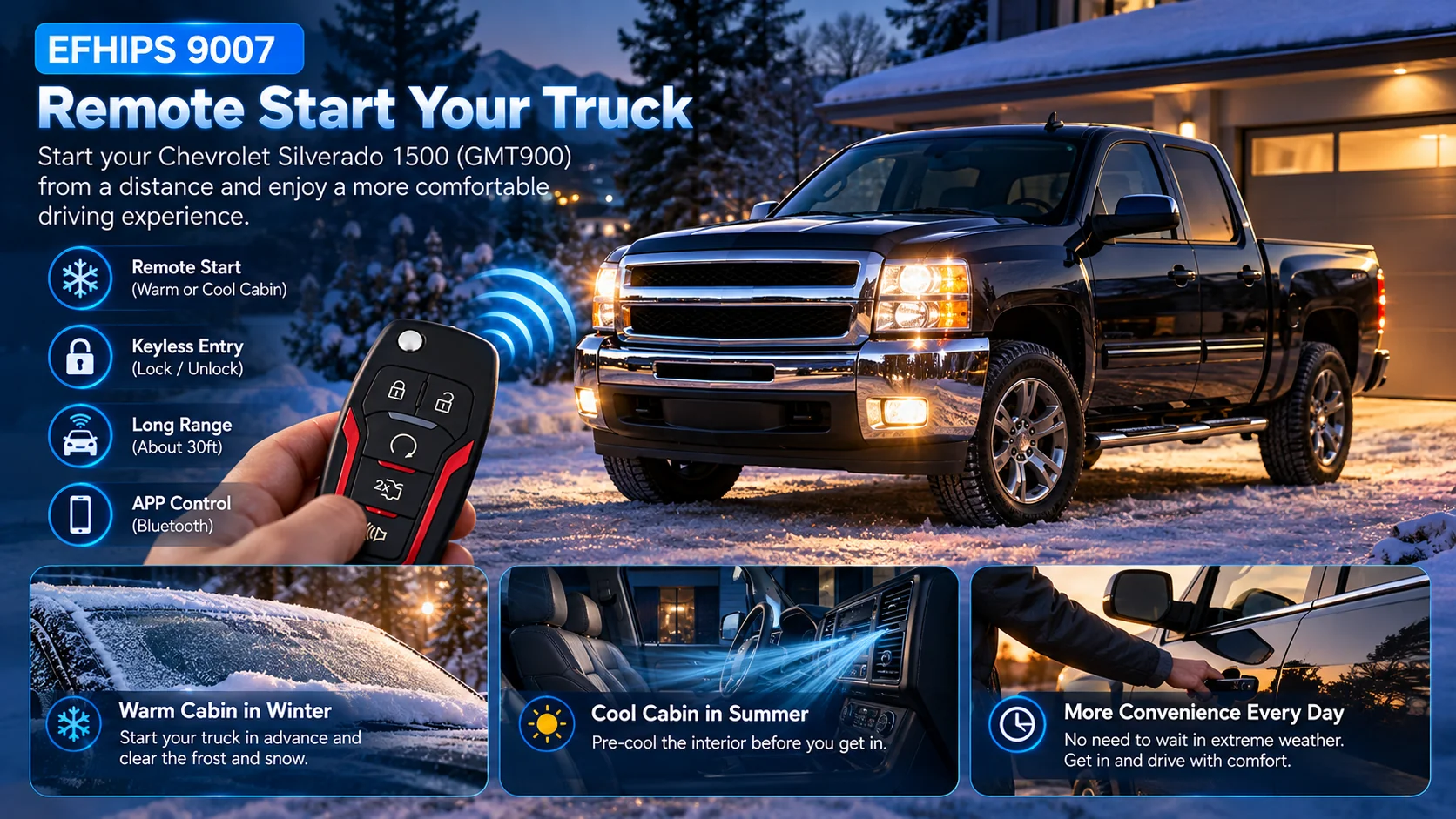
The EFHIPS 9007 push button start system combines push-button ignition, passive keyless entry, remote start and alarm functions, subject to vehicle compatibility and correct installation. Its Bluetooth app feature has a much shorter operating range than typical RF remote control in many environments.
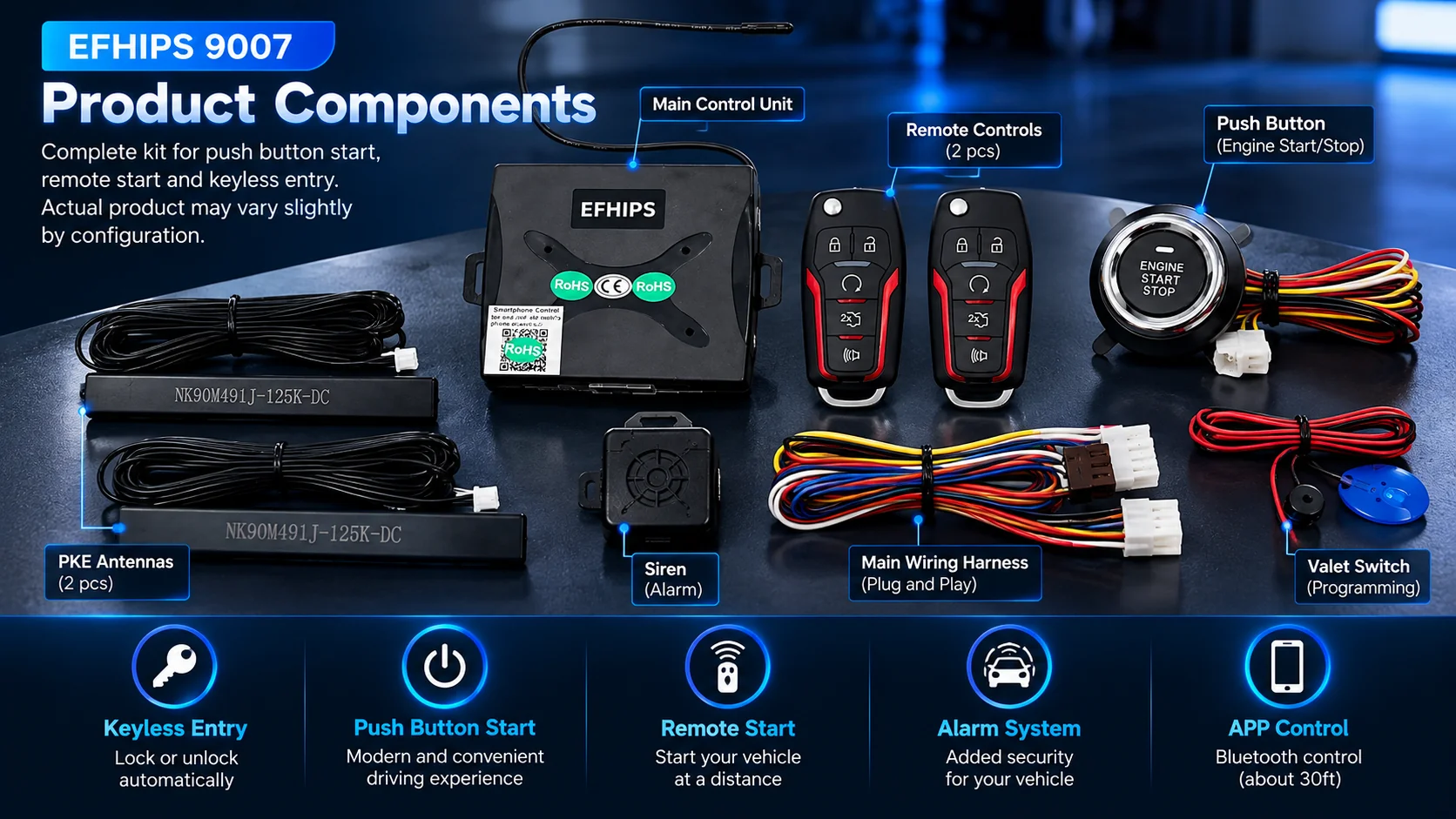
EFHIPS 9007 has no dedicated OEM immobilizer-bypass output. If this Silverado requires an aftermarket security interface, the installer must check compatibility and use the interface manufacturer's supported control method. Do not presume that all 2007–2013 Silverado 1500 configurations are confirmed compatible.
Before purchasing or arranging installation, confirm the model year, 1500 versus Classic designation, engine, trim, original ignition type, factory security system and available interface support. EFHIPS 9007 is not intended for a vehicle that already has factory push-button start.
6. Brake Input and Remote-Start Safety Conditions
An EFHIPS 9007 start request depends on its required brake input and other configured conditions. Check input polarity against the product documentation; an input circuit that does not match the vehicle's signal type may require a compatible interface designed by the installer. Do not confuse the Silverado's brake lighting circuit with an automatically suitable controller input.
Remote start also requires working hood, brake, transmission and other safety interlocks as specified for the installation. Never remote start a vehicle in a garage or enclosed area where exhaust may accumulate.
7. Silverado Push Button Start Troubleshooting Checklist
- No power anywhere: Diagnose the truck's battery and OEM power distribution before the aftermarket system.
- Only the push-start control is dead: Confirm fused module feed, ground and connector seating.
- ACC works, IGN does not: Identify the correct ignition circuit instead of borrowing a radio ACC line.
- Dash powers up, no crank: Confirm controller start conditions, brake input, park/neutral interlock, and relevant codes.
- Crank, no start: Check ignition feeds, engine-management faults and PASS-Key III+ security authorization.
- Remote start alone fails: Review remote-start configuration, safety interlocks and any authorized security interface.
Frequently Asked Questions
Why is my 2007–2013 Chevy Silverado push start completely dead?
First identify whether the entire truck has no power or only the push-start control is unresponsive. A protected battery feed, fuse, ground, or connector issue can cause a dead aftermarket controller.
Can I connect the EFHIPS ignition output to a Silverado radio ACC wire?
Not as a general substitute. Accessory and ignition circuits serve different roles and may behave differently during cranking. Follow the correct year-specific diagrams and EFHIPS wiring instructions.
Does a GMT900 Silverado use Passlock or PASS-Key III+?
The 2008 and 2013 Silverado 1500 owner's manuals identify PASS-Key III+. Older GM models, including the 2007 Silverado Classic, can use a different legacy Passlock architecture. Confirm the exact vehicle generation before selecting an interface.
Does EFHIPS 9007 include a GM immobilizer bypass output?
No. EFHIPS 9007 does not have a dedicated factory immobilizer bypass output. A compatible third-party interface may be needed, depending on the truck and installation.
Why does the dashboard turn on but the Silverado not crank?
Possible causes include missing start authorization from the aftermarket controller, incorrect brake input, an original starter interlock, wiring issues, or vehicle/security faults. Read diagnostic codes and verify the required start conditions rather than guessing.
Can remote start warm the truck before I get in?
Remote start may allow the previously selected vehicle climate settings to operate when the vehicle starts, if the truck and installation support it. Results depend on actual weather, HVAC configuration and operating conditions; never operate the engine inside an enclosed garage.
Installation Resources and Source Documentation
Read the push button start troubleshooting guide, consult the EFHIPS installation guide, review our FAQ and EFHIPS 9007 product details, or contact EFHIPS support with your model year, engine, security-indicator behavior and diagnostic codes.
For the factory immobilizer terminology, see the 2008 Chevrolet Silverado Owner's Manual, section 2-20 and the 2013 Chevrolet Silverado Owner's Manual, vehicle security section. OEM service manuals are required for exact connector assignments and wiring.